

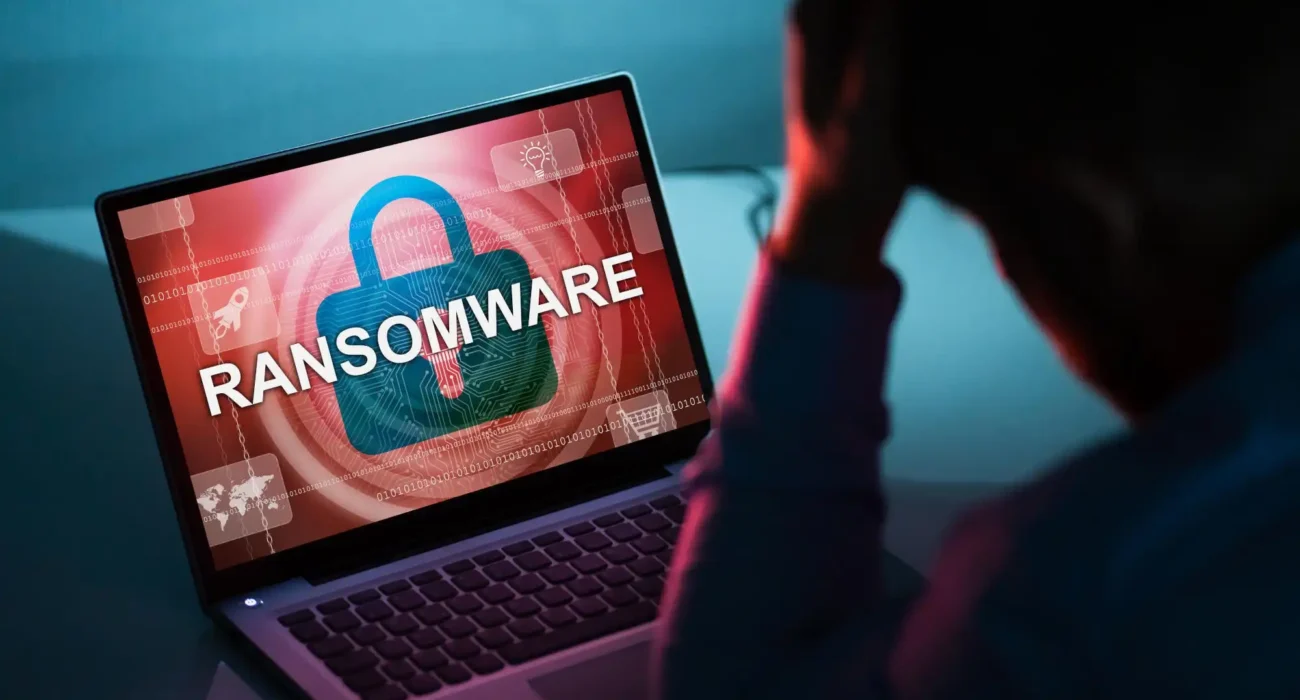
Ransomware: la minaccia da un miliardo di dollari per i tuoi file
Le tue foto di famiglia, documenti di lavoro e dati finanziari — bloccati e presi in ostaggio. Ogni 11 secondi qualcuno diventa vittima. Ecco come fermarlo.

I l mese scorso un mio amico ha perso dieci anni di foto di famiglia. Non a causa di un guasto al disco rigido. Né perché le avesse cancellate per errore.
Un ransomware ha criptato ogni file del suo computer e ha richiesto 500 $ per sbloccarli. Ha pagato. I criminali hanno preso i soldi. Non ha mai recuperato le sue foto.
Dopo oltre otto anni passati a monitorare attacchi ransomware e aver intervistato decine di vittime ed esperti di sicurezza informatica, ho visto personalmente le conseguenze devastanti. Non riguarda più solo le grandi aziende — oggi sono i tuoi documenti personali, i tuoi ricordi e il lavoro di una vita a essere presi in ostaggio.
Cosa fa realmente il ransomware — e perché è così devastante
Il ransomware non è come gli altri malware. Non ruba i dati né utilizza il computer per il mining di criptovalute. Tiene i tuoi file in ostaggio. Una volta entrato nel sistema, analizza documenti, foto, video, dichiarazioni dei redditi e altri file personali, poi li cifra rendendoli illeggibili.
Poi compare un messaggio: paga in criptovaluta entro 72 ore oppure i tuoi file saranno persi per sempre. Le richieste di riscatto sono aumentate drasticamente — da 500 $ per i singoli utenti a milioni per ospedali e scuole.
“Gli operatori ransomware utilizzano oggi una doppia estorsione: rubano i dati prima di cifrarli e poi minacciano di pubblicarli online se non si paga.”
— Avvertimento della divisione cyber dell’FBIHow ransomware gets into your computer
Most people think they'd never fall for a ransomware attack. But the entry points are subtle and increasingly sophisticated:
Phishing emails
Fake invoices, shipping notifications, or security alerts with malicious attachments or links. One click and you're infected.
Malicious ads
Legitimate websites with compromised ads can infect your computer without any clicks — drive-by downloads.
Fake software updates
Pop-ups claiming your Flash, Java, or browser needs updating. Download the "update" and you download ransomware.
Remote desktop vulnerabilities
Open RDP ports on your computer can be brute-forced. Once inside, ransomware spreads instantly.
Real stories from ransomware victims
A hospital in my town was hit. They couldn't access patient records for two weeks. Ambulances were diverted. People's medical care was delayed.
— Sarah, healthcare workerMy photography business lost 15,000 client photos. I paid $2,500. Got back about half. Some clients never got their wedding photos.
— Michael, photographerA school district near us paid $500,000 to get their data back. They couldn't process payroll or grades for weeks.
— Jennifer, parentWho are the primary targets?
Individual consumers
Personal photos, documents, and financial files — smaller ransoms but easier to pay
Hospitals & healthcare
Critical patient data — attackers know they'll pay quickly to save lives
Schools & universities
Student records, grades, research data — often underfunded cybersecurity
Small businesses
No dedicated IT security — perfect targets for automated attacks
Government agencies
Critical infrastructure, police records, tax data — high-value targets
Non-profits & churches
Limited security budgets, valuable donor and community data
Ransomware doesn't discriminate. AssistYu Ransomware Defender blocks attacks in real-time before your files can be encrypted — even new, unknown variants.
Why traditional antivirus isn't enough
Traditional Antivirus
- Relies on known virus signatures
- Misses new ransomware variants
- No behavioral detection
- Can't stop zero-day attacks
- Detects after encryption starts
Active Ransomware Defense
- Behavior-based detection
- Stops unknown ransomware variants
- Real-time file monitoring
- Blocks encryption attempts instantly
- Prevents before any damage
Real-world ransomware attacks that made headlines
MOVEit breach
Over 2,000 organizations and 60 million individuals affected. Largest supply chain ransomware attack in history.
Change Healthcare attack
$22 million ransom paid. Disrupted prescriptions and insurance claims for months across the entire US healthcare system.
Major school district attack
15 schools locked out of systems for 3 weeks. Classes canceled. Student data leaked online.
The solution I recommend
After analyzing dozens of ransomware protection tools, I recommend AssistYu Ransomware Defender. It uses advanced behavioral detection to stop ransomware before it can encrypt a single file. It works automatically — no configuration needed — and protects your documents, photos, and business files in real-time.
Try AssistYu Ransomware Defender risk-freeHow to protect yourself from ransomware
Ransomware protection checklist
Never pay the ransom — here's why
The FBI strongly advises against paying ransoms. There's no guarantee you'll get your files back — over 40% of victims who pay never recover their data. Paying also funds criminal operations and encourages more attacks.
Ransomware myths, debunked
Stop ransomware before it encrypts your files. AssistYu Ransomware Defender provides 24/7 active protection against all ransomware variants — known and unknown.
The bottom line
Ransomware isn't going away. Attacks are increasing, ransoms are rising, and criminals are getting more sophisticated. Your family photos, work documents, and financial records are irreplaceable.
Traditional antivirus can't keep up. You need active ransomware protection that stops attacks before they start.
30-day money-back guarantee • Real-time protection • 24/7 support
 English
  Français
  Español
  Italiano
  Deutsch